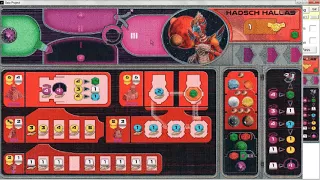
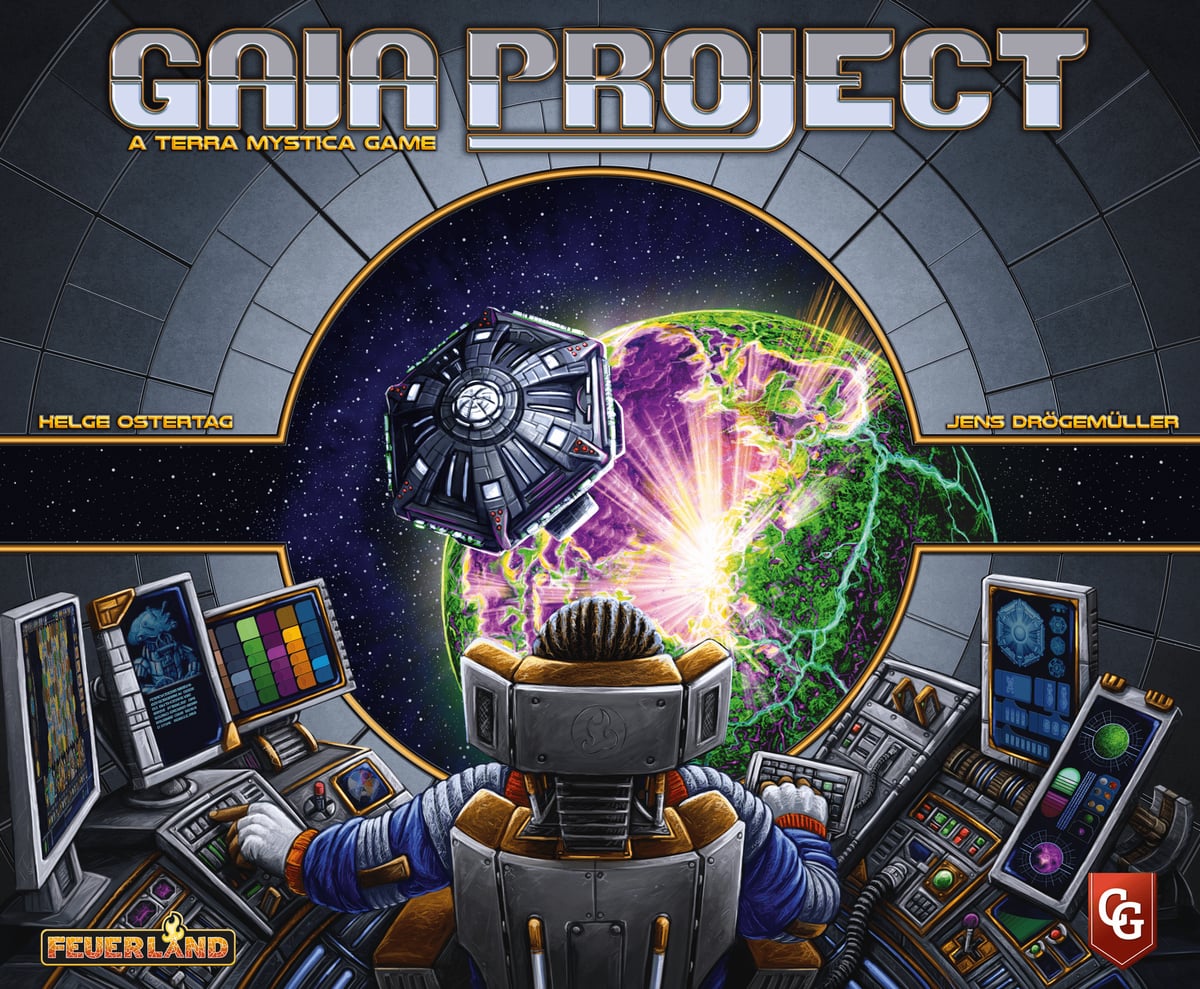
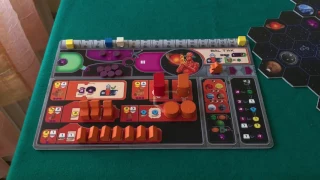
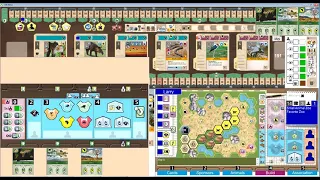
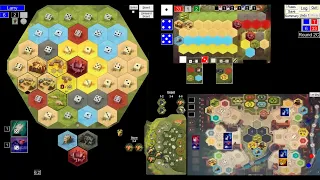
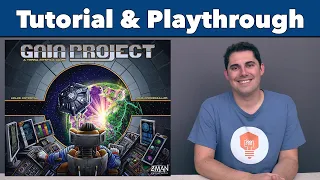
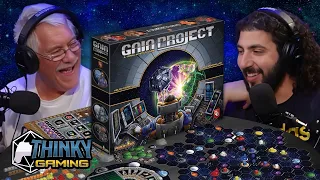
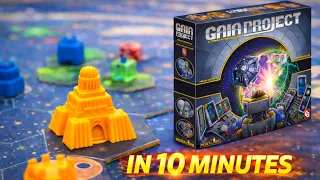
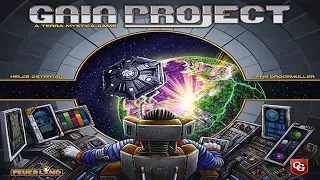
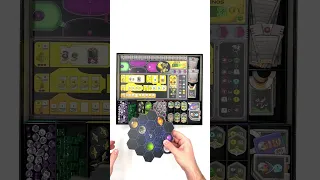
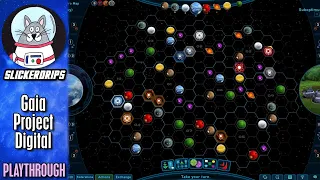
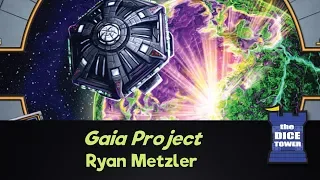
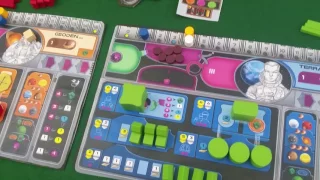
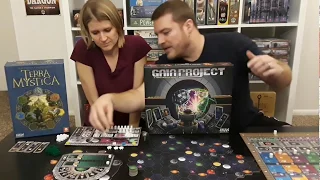
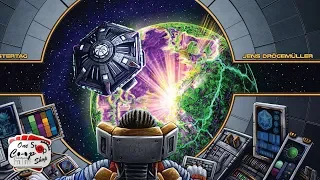
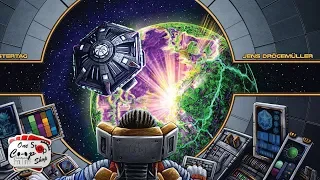
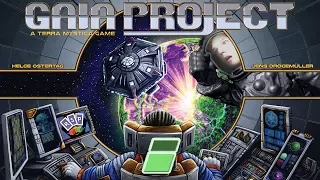
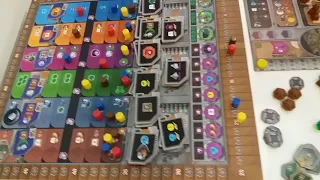
Watch “Gaia Project - Handholding Tutorial and 2-Player Playthru with Automa,” a how-to-play guide for Gaia Project from Larry Schneider on BoardGameVideo.
Description provided by Larry Schneider on YouTube:
This is a slow, hold-your-hand tutorial for Gaia Project, specifically aimed at gamers who have never played Terra Mystica before and who want an easygoing introduction to Gaia Project, Terra Mystica's "spiritual successor."
The tutorial will be followed by a full, 2-player game that I will play against the Automa player and will include a complete explanation as to how the Automa works, the kinds of things you think about when you're playing the game, and what the experience is like. The playthrough starts at timestamp 1:28:41.
Hopefully, after watching this, you'll find out if this is a game that's right for you.
0:00:00 Introduction
0:02:45 Overview
0:03:27 Resources
0:08:04 Power--Charging, Spending, Discarding, Adding, Moving
0:13:50 Income
0:14:35 Structures--Mines, Trading Stations, Planetary Institute, Research Labs, Academies
0:25:32 Standard and Advanced Tech Tiles
0:31:33 Federation Tokens
0:33:25 The Research Tracks
0:43:10 Sample Income Phase
0:50:43 Setup for Your First Game
0:52:01 Build a Mine Action
0:52:21 Range
0:52:53 Terraforming
0:55:33 Extending Range with a QIC
1:00:08 Upgrade Action
1:01:21 Passive Charging
1:05:56 Advance in Research Action
1:06:57 Power and QIC Action
1:08:36 Special Actions
1:10:45 Gaia Planets
1:12:59 Gaia Project Action and Gaiaforming
1:18:48 Form a Federation Action
1:23:41 Round Scoring Tiles
1:25:33 End Game Scoring Tiles
1:28:41 Start of 2-Player Playthrough
1:30:59 Initial Mine Placement
1:36:37 Choosing Your First Round Booster
1:38:56 Summary of End Game Scoring
1:46:16 First Turn - Gaiaforming
1:47:16 How the Automa Works
1:51:24 Automa's First Turn
2:12:39 Round 2
2:35:51 Round 3
2:51:05 Round 4
3:13:09 Round 5
3:27:13 Round 6
3:57:06 End Game Scoring
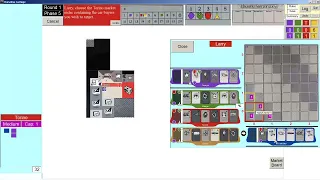
Please Note: The Gaia Project program demonstrated in this video is one that I wrote for my own personal enjoyment. It is not for sale, and I am not releasing it to the public. If you want to play one of my other gaming programs, I suggest you try out my Windows program for Too Many Bones, which is available free of charge to anyone who would like to try it out and see what it's like to play the game. Please visit http://goo.gl/5mzySu for more information and to learn how to download the program and how to use it.